
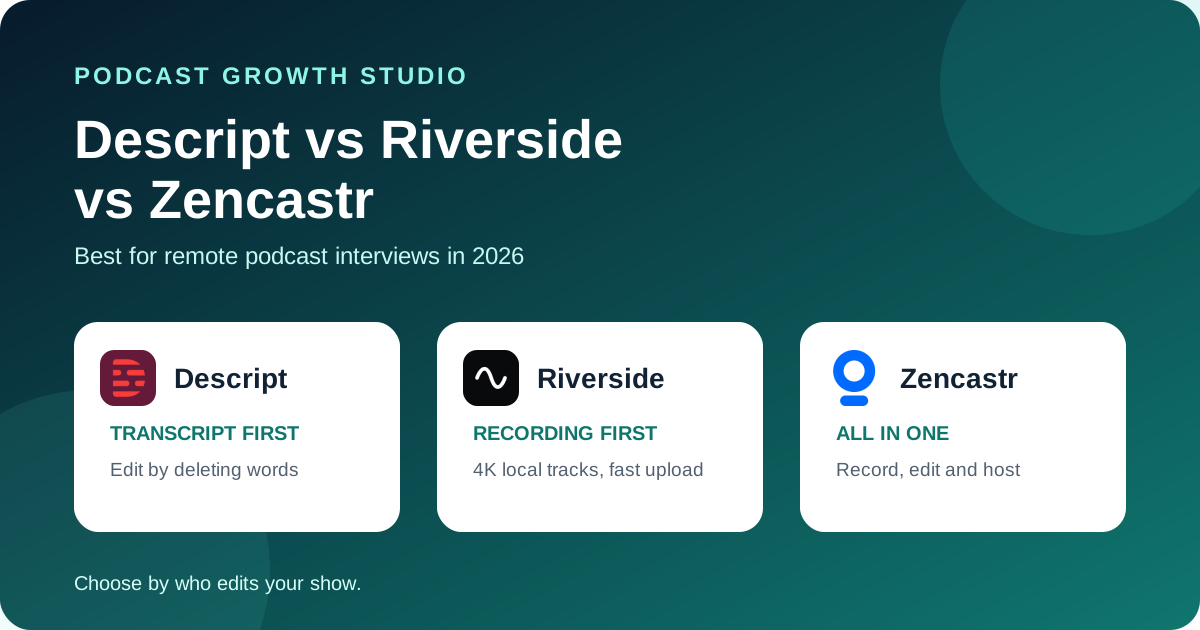
Choose Riverside when the recording is the priority and you want editor-ready local tracks with the least fuss. Choose Descript when your team edits by transcript and wants every recording to land in the editor already transcribed. Choose Zencastr when you want recording, editing and hosting in one place, or when budget is tight and its free plan covers you.
All 3 record each guest locally, on a separate track, and upload while you talk. The real differences show up after the guest leaves: where the files go, who edits them, and which plan limit you hit first.
Editorial disclosure: this is a primary-source documentation review, checked on October 12, 2026, not a hands-on reliability benchmark. No vendor paid for inclusion. Prices and plan limits change often, so confirm them on each pricing page before you buy.
 Descript
 Riverside
 Zencastr
The quick answer
If you only remember one thing: pick the tool that matches who edits the episode. A producer who lives in a timeline will feel at home in Riverside. A host who edits by deleting words in a transcript will move faster in Descript. A solo podcaster who also wants hosting and a player will get the most from Zencastr.
Recording quality is close enough between the 3 that it should not decide this alone. Each one documents local recording up to 4K. Riverside and Zencastr also document 48 kHz audio.
Side-by-side comparison
| Decision | Descript (Rooms) | Riverside | Zencastr |
|---|---|---|---|
| Recording model | Local recording in the browser, uploads as you go, cloud backup of every participant | Local recording, progressive upload as you record | Local recording, upload starts when recording starts, local and cloud backup |
| Separate tracks | Separate file per participant and per camera feed | Separate audio and video track per participant | Separate track per participant |
| Video quality | Up to 4K recording | Up to 4K | Up to 4K |
| Participants | 10 per Room on every plan | Not stated on the pricing page | Up to 6 on the free plan |
| Where files land | In a Descript project, already transcribed | In the Riverside editor, ready to edit without downloading | In your Zencastr workspace, transcribed automatically |
| Clips and AI | Studio Sound, filler word removal, captions, automatic multicam | Magic Clips, text-based editor, AI show notes | Animated captions, filler word removal, AI layouts, chapters |
| Hosting | No podcast hosting | No podcast hosting | Hosting, publishing and an embeddable player |
| Best fit | Transcript-first editing | Recording-first, editor handoff | All-in-one on a small budget |
Sources: Descript Rooms, Descript pricing, Riverside podcasting, Riverside pricing, Zencastr recording, Zencastr pricing.
When Descript wins
Descript wins when the person editing the show thinks in sentences, not waveforms. Rooms records each participant on their own machine, then drops every file into a Descript project already transcribed. You cut the episode by editing the transcript, and the audio and video follow.
It also suits teams with a producer in the room. Descript's pricing page lists Control Room producers on paid plans: 3 on Hobbyist and Creator, 10 on Business. That matters if someone needs to manage guests while the host stays focused.
Watch the hours. Descript caps both media hours and Rooms recording hours by plan. As listed on October 12, 2026, Hobbyist includes 10 media hours and 5 Rooms hours a month, Creator 30 and 15, Business 40 and 25. A weekly hour-long interview fits Hobbyist. A daily show does not.
When Riverside wins
Riverside wins when the recording itself is the job. It documents local recording up to 4K, 48 kHz audio and progressive upload, so files are mostly in the cloud by the time you say goodbye. Guests join by link and their files appear in your account without anyone emailing WAVs around.
The editor is included on every plan and opens the session without a download step. Magic Clips suggests short moments for social. Treat those suggestions as a shortlist, not a decision. A tool can find a loud moment. It cannot tell which moment your buyers care about.
Check the caps before you commit. Riverside's pricing page lists different limits for recording hours and separate track downloads by plan, and the two are not the same number. Confirm the limit that applies to your workflow, especially if an outside editor downloads raw tracks every week.
When Zencastr wins
Zencastr wins on scope and on price. It covers recording, editing, clips, hosting and an embeddable player, so a solo podcaster can run the whole show from one account. Its recording page lists up to 6 participants, up to 4K video, 48 kHz WAV audio and unlimited recording time on the free plan.
Every recording is transcribed automatically, and there is an iOS app for guests who only have a phone. It can also connect Dropbox or Google Drive so recordings sync to your own storage.
The trade-off is control. When one tool hosts, edits and publishes, switching any single part later takes more work. At the time of review, Zencastr's pricing page showed the free plan and an Enterprise tier but no public price for paid plans, so confirm current pricing directly.
The plan limits that bite first
- Hours, not features. Most teams outgrow a plan on recording or media hours long before they need another feature. Multiply your episode length by episodes per month and add retakes.
- Separate track downloads. If an outside editor works from raw tracks, check the download cap, not just the recording cap.
- Seats. Descript prices per person. A host, a producer and an editor can mean 3 seats.
- Watermarks and export quality. All 3 free plans have limits here. Descript and Riverside free exports are 720p with a watermark.
Run the same 30-minute test on all 3
- Invite someone who is not technical. Do not coach them past the invite.
- Record 10 minutes with a screen share and some intentional cross-talk.
- Ask the guest to close their tab early to test recovery.
- Time how long until every file is in the cloud.
- Hand the files to whoever edits your show and time the first clean cut.
- Write down setup time, missing files, recovery steps and editing time.
The winner is the tool that finishes the test with the fewest guest problems and the fastest clean edit for your team.
Frequently asked questions
Which is best for remote podcast interviews: Descript, Riverside, or Zencastr?
Riverside is the strongest default when the recording itself is the priority. Descript fits teams that edit by transcript and want recordings to land in the editor already transcribed. Zencastr fits podcasters who want recording, editing, and hosting under one roof, and its free plan is the most generous of the three.
Do Descript, Riverside, and Zencastr record each guest on a separate track?
Yes. All three document local recording with a separate file or track for each participant, uploaded to the cloud during the session.
Which one has the best free plan?
Zencastr's free plan lists up to 6 participants, up to 4K video, 48 kHz WAV audio and unlimited recording time. Descript's free plan includes 2 hours of Rooms recording and 720p exports with a watermark. Riverside's free plan lists 2 hours of recording, 720p video and a watermark.
Can I record in one tool and edit in another?
Yes. All three give you separate participant files, so you can record in one and edit elsewhere. The cost is a manual handoff, which is exactly what the built-in editors are trying to remove.
Recording is only the first handoff
The recording tool protects the source. It does not decide which moments become clips, which ideas become carousels, or how the episode reaches buyers between releases. Compare more options in our remote podcast recording software guide and the Riverside vs Zoom vs StreamYard comparison, then use the 3-Test Rule for choosing clips. If you want the post-production handled, see The Content Engine.