
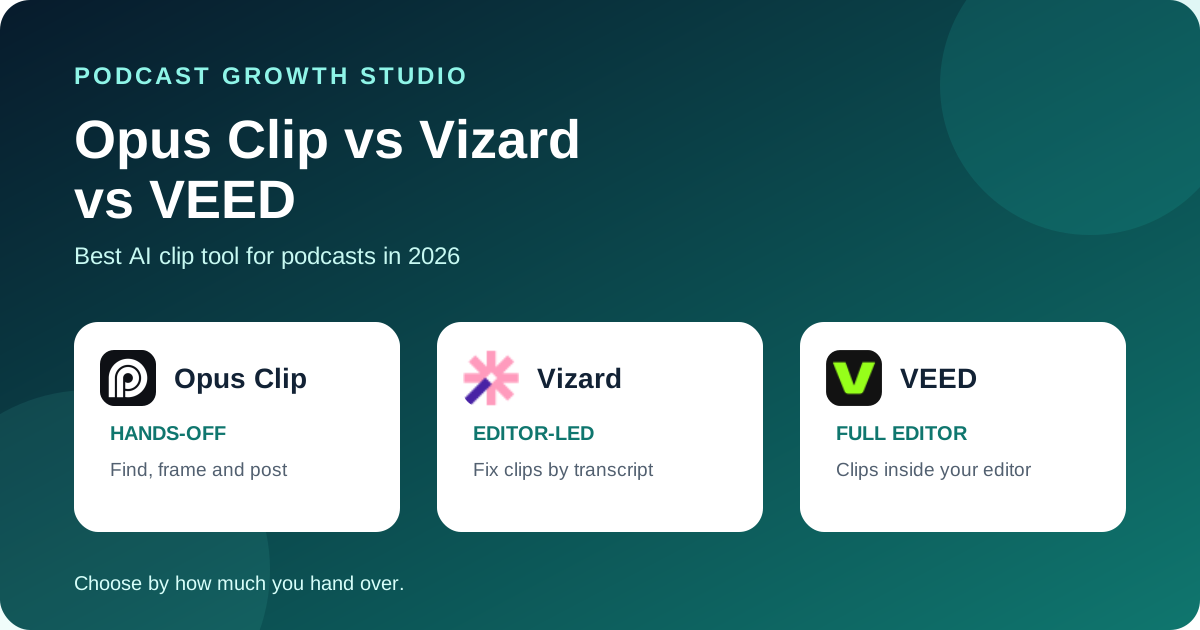
Choose Opus Clip when you want the tool to find moments, frame them and publish with the least hands-on work. Choose Vizard when your editor wants to fix each clip by editing the transcript and timeline. Choose VEED when you already edit in VEED and want clips, subtitles and the full editor in one place.
All 3 take a long recording, surface highlights, add captions and reframe for vertical video. The differences that matter are how much control you keep after the AI picks, how the files get in, and what the free plan actually lets you test.
Editorial disclosure: this is a primary-source documentation review, checked on October 12, 2026, not a hands-on quality benchmark. No vendor paid for inclusion. Plans and limits change often, so confirm them before you buy.
 Opus Clip
 Vizard
 VEED
VEEDThe quick answer
Pick by how much of the job you want to hand over. Opus Clip is built to take a link and give you posted clips. Vizard is built for someone who will open every clip and tighten it. VEED is the right call when clips are one small part of a bigger editing workflow you already run in VEED.
For a B2B podcast, the AI pick is the weakest link in all 3. A tool can find a loud or quotable moment. It cannot tell which 40 seconds will make a CFO book a call. Budget time to review the shortlist, whichever tool you choose.
Side-by-side comparison
| Decision | Opus Clip | Vizard | VEED |
|---|---|---|---|
| How clips are picked | ClipAnything reads visual, audio and sentiment cues, and accepts a prompt for a specific moment | Automatically identifies engaging moments | Rates highlights, guided by a video goal and an optional text description |
| Getting video in | Upload, or links from YouTube, Google Drive, Vimeo, Zoom and more on Pro | Upload | Upload only, no YouTube links; needs 1 minute to 3 hours of speech |
| Editing after the pick | AI editor with full manual control, editable captions | Trim by deleting transcript text, timeline to the second | Trim by script, then open the full VEED editor |
| Captions | Automatic, animated caption templates | AI captions and emoji, translation into 100+ languages | Auto subtitles in 100+ languages, preset styles |
| Reframing | ReframeAnything with object tracking; 9:16 on Free and Starter, plus 1:1 and 16:9 on Pro | Centers key subjects for vertical, one-click ratio change | Auto-framing in portrait or landscape |
| Brand templates | 1 on Free and Starter, up to 4 on Pro | Brand kit listed on Business | Edit styles in the full editor |
| Publishing | Posts to YouTube Shorts, TikTok and Instagram from Starter; scheduler on Pro | Download, share link or publish; scheduling listed on Creator | Download |
| Best fit | Hands-off clipping and posting | Editor-led clip cleanup | Teams already editing in VEED |
Sources: Opus Clip, Opus Clip pricing, Vizard, Vizard pricing, VEED Clips help article.
When Opus Clip wins
Opus Clip wins when speed and posting matter more than fine control. On Pro you can paste a YouTube, Drive, Vimeo or Zoom link instead of uploading, and ClipAnything accepts a prompt like "the part where she explains pricing" to find a specific moment.
It also goes furthest toward publishing. Its pricing page lists posting to YouTube Shorts, TikTok and Instagram from the Starter plan, with a scheduler and multiple profiles per platform on Pro.
Know the free plan before you judge it. As listed on October 12, 2026, free exports carry a watermark, are capped at 1080p and expire after 3 days. Starter is listed at $15 a month and Pro at $29 a month. The page shows no annual prices.
When Vizard wins
Vizard wins when someone on your team will open every clip. You can trim by deleting words in the transcript, then fine-tune on a timeline down to the second. That is the fastest way to turn a near-miss AI pick into a clip you would actually post.
Captions come with AI emoji and can be translated into more than 100 languages. You can use Vizard's templates or save your own, so clips stay consistent with your brand.
Its free plan lists 60 credits a month, 60-minute uploads, 720p export and 3-day storage. Paid plans list 4K export. Vizard's pricing page did not show readable monthly prices at the time of review, so check it directly.
When VEED wins
VEED wins when clips are one part of a bigger editing job. Clips rates highlights, removes filler words and silences, auto-frames the speaker, and adds subtitles in more than 100 languages. Then you open any clip in the full VEED editor without switching tools.
You can steer the pick with a goal, such as a viral highlight or an insight teaser, plus a short description of what to capture. VEED's help center says Clips is built mainly for clips of about a minute or less.
The limits are practical ones. VEED Clips needs at least 1 minute and at most 3 hours of speech, does not accept YouTube links, and cannot run on videos already in your library. The free plan allows one Clips try per account. Paid plans have unlimited access.
What no clip tool decides for you
- Which idea is worth a clip. AI scores energy and quotability. Your buyers care about a specific problem being named out loud.
- The first line on screen. The hook text and the post copy do more work than the clip itself on LinkedIn.
- Context. A clip cut mid-thought can make a guest sound wrong. Someone who heard the full episode should approve it.
- Where it goes. A clip without a posting plan is a file in a folder. Decide the week and the channel before you export.
If you want a simple filter, use our 3-Test Rule for choosing podcast clips on whatever the tool suggests.
Run the same test on all 3
- Use one real episode, at least 30 minutes, with a guest.
- Before you start, write down the 3 moments you would clip yourself.
- Run each tool with its default settings and count how many of your 3 it finds.
- Pick the best suggestion from each and time how long it takes to make it postable: hook, captions, framing, brand.
- Export at the quality you would actually post and check the watermark and resolution on your plan.
The winner is the tool that finds your moments most often and needs the least fixing before it is ready to post.
Frequently asked questions
Which is best for podcast clips: Opus Clip, Vizard, or VEED?
Opus Clip is the strongest pick when you want the tool to find moments and publish with little hands-on work. Vizard suits editors who want to fix clips by editing the transcript and timeline. VEED fits teams that already edit in VEED and want clips, subtitles and the full editor in one place.
Can I paste a YouTube link instead of uploading the file?
Opus Clip lists link import from YouTube, Google Drive, Vimeo, Zoom and others on its Pro plan. VEED Clips does not support YouTube links, so you download and upload the file yourself. Check Vizard's current import options before you rely on links.
Do these tools pick the right clips on their own?
They pick likely moments, not the right ones. Each tool scores or surfaces highlights from speech and on-screen cues. Whether a moment matters to your buyers is still an editorial call, so treat the output as a shortlist.
Which one has the most usable free plan?
All three free plans are for testing, not for running a show. Opus Clip's free exports carry a watermark and expire after 3 days. Vizard's free plan lists 60 credits a month, 720p export and 3-day storage. VEED's free plan allows one Clips try per account.
The clip is the easy part
Any of these tools will give you clips. The harder part is choosing the moments buyers care about, writing the hook, and keeping the episode visible for a month instead of a day. Compare 10 more options in our Opus Clip alternatives guide, or see how we handle it end to end with The Content Engine.