
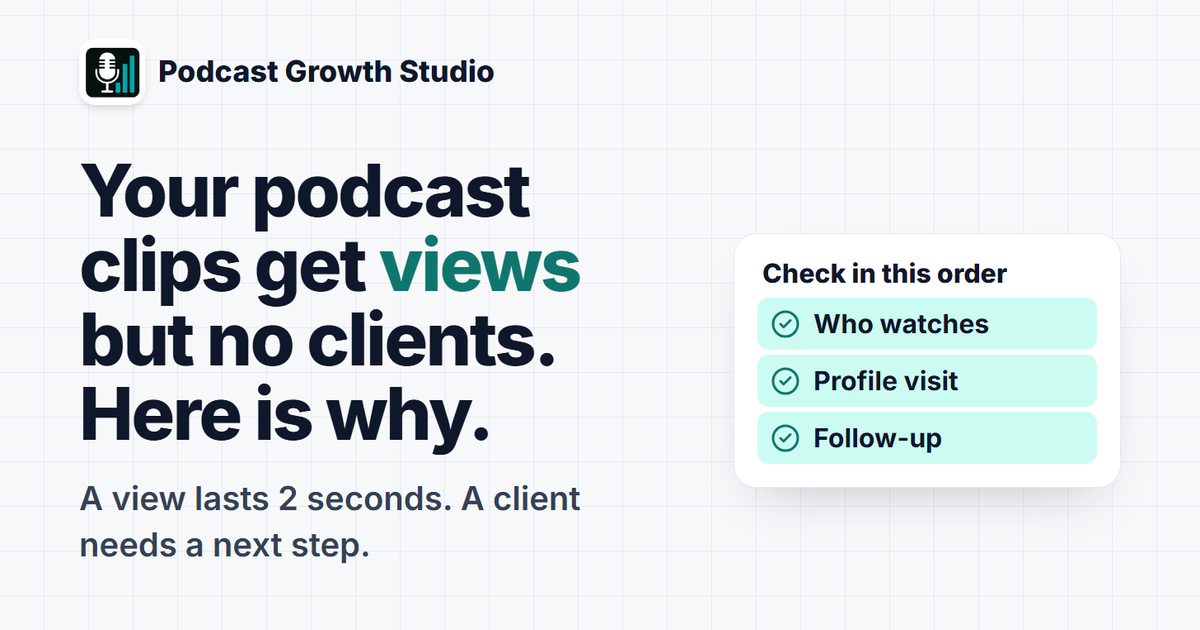
Podcast clips get views but no clients when the people watching are not buyers, when the clip gives them no reason to take a next step, or when nothing happens after they watch. A view only tells you a video was on someone's screen for a couple of seconds; it says nothing about buying intent. Fix it by checking who is watching in LinkedIn's post analytics, ending each clip on the problem you solve, and making your profile and your follow-up do the selling.
You posted the clip. It got 1,400 views, a few kind comments from peers, and not one call. That gap is common, and it is usually not the algorithm. It is the distance between "people saw this" and "the right person knew what to do next."
Editorial note: how LinkedIn counts views and shows viewer demographics comes from LinkedIn's help center, checked on November 14, 2026. LinkedIn changes its analytics often, so check the screens in your own account. The diagnostic and rules below are the ones we use when we plan clips for B2B shows; they are working rules, not survey data.
Why do my podcast clips get views but no clients?
Almost always one of four things: the wrong people are watching, the clip is entertaining but not useful to a buyer, there is no clear next step, or nobody follows up with the people who showed interest. Each one has a different place to check.
| Symptom | Likely cause | Where to check | First fix |
|---|---|---|---|
| Lots of views, comments mostly from peers or other podcasters | Wrong audience | Post analytics: viewer job titles, seniority, industry | Pick clips that answer a buyer's question, not a fellow host's |
| Good watch time, almost no profile visits | Clip is interesting but gives no reason to learn more about you | Post analytics: profile viewers from this post | End on the problem you solve and who you solve it for |
| Profile visits, but no messages or calls | Profile does not explain the offer | Your headline, About and Featured section | Say who you help and how to start in the headline |
| Engaged viewers, then silence | No follow-up | Commenters and profile viewers list | Reply to every relevant comment; start a real conversation with fits |
Work down the table in order. There is no point rewriting your profile if the people watching are not buyers in the first place.
What does a LinkedIn video view actually count?
LinkedIn counts a video view each time your video was watched for more than 2 seconds. That is a very low bar: a person scrolling past with autoplay on can count. LinkedIn also says impressions and members reached are estimates.
Those definitions come from LinkedIn's help page on video analytics, which also lists watch time (the total time your video was viewed) and average watch time. Average watch time is the more honest number. A 60-second clip with an average watch time of 4 seconds was seen, not watched.
So a high view count proves the clip reached screens. It does not prove anyone heard the point, and it says nothing about whether they could ever hire you.
How do I see who is watching my podcast clips on LinkedIn?
Open the post's analytics and scroll to the viewer demographics. LinkedIn's help center says post viewer demographics may include job title, location, company, company size, industry and seniority, shown once enough unique viewers exist.
- Post to "Anyone", not connections only. LinkedIn says demographic data is not available for content shared only with connections or in LinkedIn Groups.
- Wait for enough views. LinkedIn's video analytics page says viewer demographics appear after a video has at least 25 post impressions, and a newer help page says the threshold now depends on members reached. Either way, some categories stay blank until more people have seen the post.
- Read job titles and seniority first. Ask one question: would these people ever buy what you sell? If your buyers are finance directors and the top titles are "Podcast Host" and "Content Creator", the clip found an audience, just not yours.
- Record it within 180 days. LinkedIn says demographic breakdowns are available for 180 days, so note the top titles for each clip in a simple sheet each week.
After four or five clips, you will see a pattern. Some topics pull buyers. Others pull peers. Make more of the first kind.
What should a podcast clip say if I want it to bring in clients?
A clip that brings in clients answers a question your buyer already has, in their words, and ends on the problem you help with. A clip that only gets views is usually a funny moment, a bold opinion or a story that needs the full episode to make sense.
Before posting, run each clip through three quick checks:
- Would a buyer stop for the first line? Lead with their problem ("Most firms price advisory work by the hour, and it caps them"), not with "So on this week's episode".
- Does it make one useful point on its own? If a viewer needs the other 40 minutes to get it, it is a trailer, not a clip.
- Does the caption say who it is for? One line naming the reader ("for practice owners who are stuck at 10 staff") filters the audience before LinkedIn does.
Our guide to choosing podcast clips with the 3-test rule goes deeper on picking moments. The short version: pick for the buyer, not for applause from other hosts.
Where do clip viewers go after they watch, and what do they see?
Interested viewers go to your profile, not to your website. LinkedIn's post analytics shows this as "profile viewers from this post" and "followers gained from this post", so you can see whether a clip sends people to look you up.
Both metrics are defined on LinkedIn's post analytics help page. If a clip earns profile visits but no messages, the problem is the profile. Check three places a viewer sees in the first few seconds:
- Headline: who you help and with what, more than your job title and the show's name.
- Featured section: one clear next step, such as a page explaining how clients start working with you.
- About: the first two lines repeat the problem your clips talk about.
Be careful with links in the post itself. Buffer's study of more than 2 million LinkedIn posts, published August 28, 2025, found that posts with external links had the lowest median engagement rate of any format, and suggests putting links in the comments instead. (Buffer) Buffer sells a scheduling tool, so treat it as one dataset, not a rule from LinkedIn.
How do I turn clip views into client conversations without being pushy?
Reply to every relevant comment within a day, then start a normal conversation with the people who fit your client profile and showed interest. Do not pitch in the first message. Ask about the problem the clip raised.
A simple weekly routine works:
- Reply to comments with a question. A comment is the warmest signal you get. Keep the thread going.
- Check who viewed your profile from the post. According to LinkedIn's help center, Premium members can expand a list of up to 100 recent profile viewers from a post, and that section does not appear for posts older than 90 days.
- Message only real fits. Right role, right kind of company, and they engaged. Mention the clip's topic and ask how they handle it today.
- Offer the next step only when they describe the problem. Then a call is help, not a pitch.
Five thoughtful conversations a week from clip viewers will do more for your pipeline than another 5,000 views.
What should I measure instead of views?
Measure the steps between a view and a client: who watched, who looked you up, who talked to you, and who booked. Views are the top of that chain, not the result.
| Step | Metric | Where to find it | What it tells you |
|---|---|---|---|
| Reach the right people | Top viewer job titles and seniority | Post viewer demographics | Whether the topic pulls buyers or peers |
| Hold attention | Average watch time | Video performance | Whether the opening line works |
| Create interest | Profile viewers and followers from the post | Profile activity | Whether the clip makes people curious about you |
| Start conversations | Relevant comments and replies to your messages | Notifications and inbox (count by hand) | Whether follow-up is happening |
| Create pipeline | Calls booked that mention content | Your calendar or CRM (ask "how did you find me?") | Whether the system pays for itself |
Track these weekly in a plain spreadsheet. A month of rows will tell you which clip topics bring buyers and which only bring applause.
Frequently asked questions
Why do my LinkedIn videos get views but no engagement?
LinkedIn counts a video view after more than 2 seconds of watching, so many views are people scrolling past. Check average watch time and viewer job titles in post analytics. If watch time is short, fix the first line; if viewers are not buyers, change the clip topics.
Can I see exactly who watched my LinkedIn video?
Not person by person. LinkedIn's post analytics shows viewer demographics such as job title, location, company, company size, industry and seniority once there are enough unique viewers. You can see who viewed your profile from a post, and Premium members can expand that list.
Should I put a link in my podcast clip post on LinkedIn?
Buffer's study of more than 2 million LinkedIn posts found posts with external links had the lowest median engagement rate, and it suggests putting the link in the comments. For client work, a clear profile headline and Featured section often matter more than any link.
How many podcast clips does it take to get a client?
There is no reliable number, and anyone who quotes one is guessing. What you can control is that each clip speaks to a buyer's problem, your profile explains the next step, and you follow up with people who fit. Track profile visits and conversations, not views.
Make every clip work toward a conversation
For the full path from episode to client, read how to get clients from your podcast. To pick better moments, use the 3-test rule for choosing clips, and to build the rest of your feed around the show, see LinkedIn content for podcasters. If you want the clips, carousels and posting plan made for you each month, see The Content Engine.
Podcast Growth Studio (PGS) is a studio that turns one B2B podcast episode into a month of LinkedIn content: captioned clips, carousels, quote graphics and a posting plan, for coaches, consultants, CPAs, advisors and founders who podcast.