
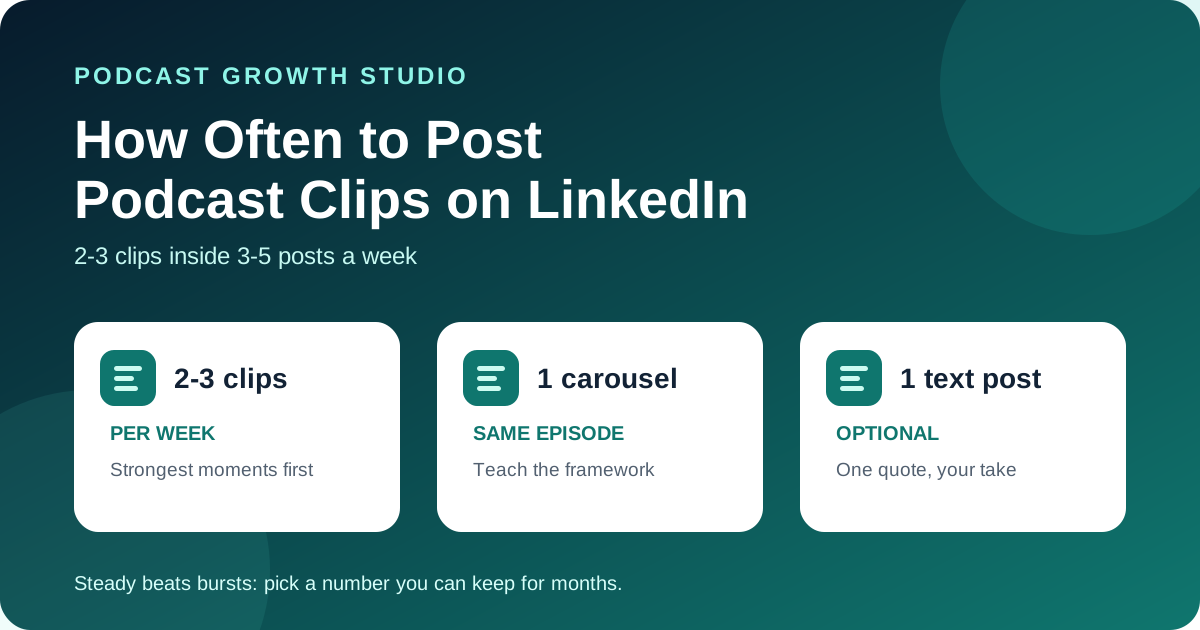
For most B2B podcast hosts, 2-3 clips a week is the right number, inside a total of 3-5 LinkedIn posts a week. Buffer's analysis of more than 2 million LinkedIn posts found that accounts posting 2-5 times a week got more impressions per post than accounts posting once a week. Fill the other slots with carousels and text posts from the same episode, not more clips.
Most hosts post one clip the day the episode goes live, then go quiet until the next one. Others post a clip every day for a week, run out, and disappear for a month. Both patterns waste the recording. You need a number you can keep up every week, from the episodes you already make.
Editorial note: the posting-frequency figures come from Buffer's published study and the video facts come from LinkedIn's help center, all checked on October 16, 2026. LinkedIn changes its features often, so confirm the specs in your own account before you upload.
How many podcast clips should I post on LinkedIn each week?
Post 2-3 clips a week if you release one episode a week, and 1-2 a week if you release less often. The goal is a steady number you can keep for months, not a burst you cannot repeat.
Your episode schedule sets the supply. Here is a simple decision rule, based on how many usable clips a typical 30-60 minute interview gives you:
| Your episode schedule | Clips per week | Other LinkedIn posts per week | Total posts per week |
|---|---|---|---|
| One episode a week | 2-3 | 1-2 (carousel, text post) | 3-5 |
| One episode every two weeks | 2 | 1-2 | 3-4 |
| One episode a month | 1-2 | 1-2 | 2-4 |
| Guest appearances only | 1 per appearance week | 1-2 | 2-3 |
If 3 posts a week sounds like a lot, start at 2. Buffer's data shows the jump from one post a week to two or more is where the first gain shows up.
What does the data say about LinkedIn posting frequency?
Posting more often was linked to more reach per post, not less. Buffer looked at more than 2 million posts from over 94,000 LinkedIn accounts and compared each account's busier weeks with its quieter ones.
The study was published on August 28, 2025 and written with Buffer data scientist Julian Winternheimer. Compared with posting once a week, Buffer reported these per-post lifts:
| Posts per week | Extra impressions per post | Engagement rate change |
|---|---|---|
| 2-5 | +1,182 | +0.23 percentage points |
| 6-10 | +5,001 | +0.76 percentage points |
| 11 or more | +16,946 | +1.40 percentage points |
Source: Buffer: How Often Should You Post on LinkedIn? Data From 2 Million+ Posts, checked October 16, 2026.
Read it with three caveats. It is observational data, not a controlled test. It combines text, image, video and document posts, so it does not tell you the right number for clips alone. And Buffer sells a scheduling tool, so it has a reason to like frequent posting. Buffer itself says quality matters more than volume.
For a B2B host, 11 posts a week is not realistic or needed. The 2-5 band is the one to aim for, because you can fill it from one episode a week without making weak posts.
Should every LinkedIn post be a podcast clip?
No. Clips should be about half of what you post, with carousels and text posts filling the rest. Different formats reach people in different ways, and a feed of only clips starts to look like ads for your show.
The same Buffer study compared formats by median engagement. Video posts got about 84% more engagement than text-only posts. Document and carousel posts did better still, and posts with external links had the lowest median engagement rate. That is a good reason to put the episode link in the comments or in a later post, and to turn your strongest idea into a carousel as well as a clip.
A simple weekly mix for one episode a week:
- Tuesday: clip 1, the episode's strongest claim.
- Wednesday: a carousel that teaches the framework from the episode.
- Thursday: clip 2, a story or example from the guest.
- Friday (optional): a text post with one quote and your take on it.
How long will the clips from one episode last?
Six good clips from one episode cover about three weeks at 2 clips a week. Add carousels and quote posts and the same episode fills a full month.
Here is a worked example for a host who records one interview a month and pulls 6 clips, 4 carousels and 5 quote graphics from it:
| Week | Clips | Carousels | Quote or text posts | Total |
|---|---|---|---|---|
| Week 1 | 2 | 1 | 1 | 4 |
| Week 2 | 2 | 1 | 1 | 4 |
| Week 3 | 1 | 1 | 2 | 4 |
| Week 4 | 1 | 1 | 1 | 3 |
That is 15 posts from one recording, and the strongest clips go out first, while the episode is new. If you release weekly, you will have more clips than slots. Post the best 2-3 from each episode and keep the rest for weeks when you have no new episode.
Can I post the same podcast clip on LinkedIn twice?
Yes, if there is enough time between posts and you change the framing. Most of your network did not see the first post, so a strong clip can earn a second run.
A sensible rule: wait at least six to eight weeks, write a new opening line and caption, and if you can, change the first few seconds or pull a different 30 seconds from the same moment. Do not repost a clip that did badly the first time just to fill a slot. Choose a different clip.
What makes a clip worth posting on LinkedIn?
A clip earns its slot when it makes sense with the sound off and holds attention in the first few seconds. Posting more often only helps if each post keeps people watching.
LinkedIn's engineering team has explained that the feed uses dwell time, meaning how long a member spends on a post, because clicks and likes are rare for people who mostly scroll. Dwell time on the feed starts counting once at least half of a post is on screen (LinkedIn Engineering, May 2020, checked October 16, 2026). A clip with a weak opening loses that time.
- Captions. LinkedIn's help center says you can add closed captions by attaching an SRT file when you share a video from the desktop site (LinkedIn Help: Add closed captions). Many hosts burn captions into the video instead so they show everywhere.
- Specs. LinkedIn's video troubleshooting page lists videos from 3 seconds to 15 minutes and from 75 KB to 5 GB, in formats including MP4 and MOV (LinkedIn Help: Video sharing troubleshooting, checked October 16, 2026). For a podcast clip, keep it far shorter than the limit.
- One idea per clip. If you need to explain the setup before the point lands, it is the wrong cut. Our 3-test rule for choosing clips covers how to pick them.
Which posting mistakes waste good clips?
The biggest mistake is posting in bursts. A week of daily clips followed by three silent weeks gives you less than a steady 2 a week.
- Front-loading everything. Posting all 6 clips in the first week uses up the episode before most of your network has seen it. Spread them out.
- Only clips. A feed of nothing but video reads like promotion. Mix in carousels and plain text.
- The link in the post. Buffer found link posts had the lowest median engagement. Put the episode link in a comment.
- Posting and leaving. Reply to comments on each clip. A clip with a conversation under it keeps working longer than one with none.
- Picking a number you cannot keep. Five clips a week for two weeks, then nothing, loses to two a week for six months.
Frequently asked questions
How many podcast clips should I post on LinkedIn per week?
Most B2B podcast hosts should post 2-3 clips a week as part of 3-5 total LinkedIn posts. If you release episodes monthly or less often, 1-2 clips a week is enough, with carousels and text posts filling the other slots.
Is posting on LinkedIn every day too much?
Not for reach. Buffer's study of more than 2 million posts found that impressions per post kept rising with more posts per week. The real limit is quality and your time: only post daily if every post is good and you can keep it up.
What is the best day to post podcast clips on LinkedIn?
There is no single best day for everyone. Pick 2-3 weekdays your audience is at work, post at the same times each week, and compare results in your LinkedIn analytics after a month before changing anything.
Should I put the podcast episode link in my LinkedIn clip post?
Usually no. Buffer's analysis found posts with links had the lowest median engagement rate of any post type. Post the clip natively and add the episode link in the first comment.
Pick a number you can keep
Choose your weekly number, fill it from the episode you already have, and keep it for 8 weeks before you judge it. For what to post around your clips, see LinkedIn content for podcasters and the 30-day podcast content calendar. If you want the clips, carousels and posting plan made for you each month, see The Content Engine.
Podcast Growth Studio (PGS) is a studio that turns one B2B podcast episode into a month of LinkedIn content: captioned clips, carousels, quote graphics and a posting plan, for coaches, consultants, CPAs, advisors and founders who podcast.