
Podcast Carousel Templates: 4 Slide-by-Slide Frameworks
A useful podcast carousel teaches one complete idea from an episode. Choose a passage that explains a process, corrects a mistake, compares options, or supports a checklist. Write the argument first. Then divide it into slides and verify every claim against the recording.
A carousel is not a transcript broken into rectangles. Readers need the context, the explanation, and a next step without hearing the full conversation. These 4 templates are editorial starting points, not promises of reach, saves, or sales. Use fewer slides when the idea needs less space.
Choose the idea before choosing the template
Read the passage with a specific reader in mind. A founder hiring a first salesperson needs different context from a sales manager coaching an established team. Write down the question the carousel will answer for that person.
Next, save the source passage, speaker identity, and timestamps if the source provides them. Keep this information in the production brief. If the passage depends on an earlier question, include that question in your review. Do not make an isolated sentence carry a meaning it did not have in the conversation.
- Process: The speaker explains an order of operations. Use template 1.
- Mistake: The speaker explains a specific failure and correction. Use template 2.
- Decision: The speaker compares choices and their conditions. Use template 3.
- Inspection: The speaker names checks before taking action. Use template 4.
If the passage contains only a memorable sentence, a quote or short written post may fit better. Do not manufacture a framework to fill a carousel. For transcript preparation, start with our AI transcript repurposing guide.
4 slide-by-slide podcast carousel templates
1. The process carousel
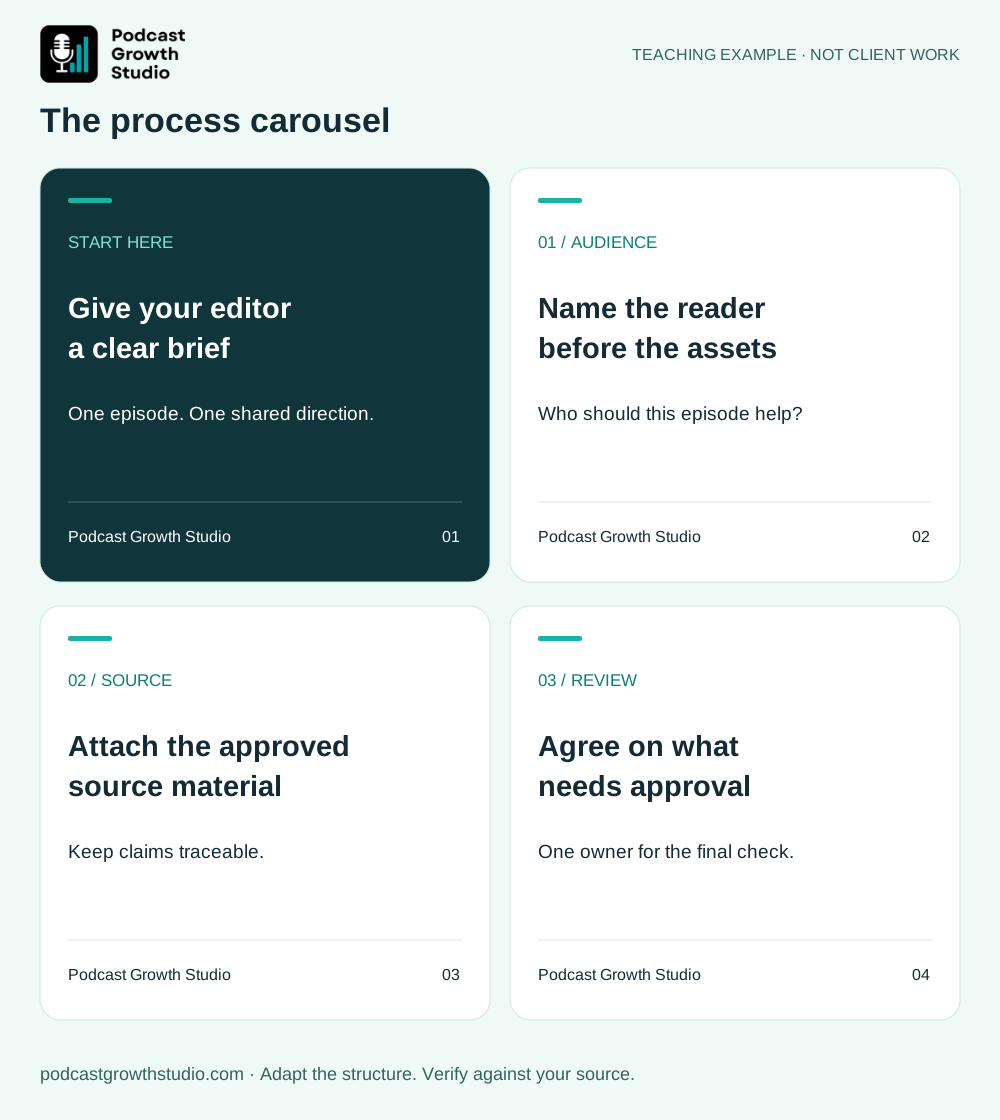
Use this when the source explains how to complete a task. Each step should lead naturally to the next. Avoid presenting a personal preference as the only correct method.
- Cover: Name the task and reader. Example: “A podcast handoff checklist for your editor.”
- Starting point: Explain what the reader needs before beginning.
- Step one: State the action and what it produces.
- Step two: Show how to use the previous output.
- Step three: Explain the final action and its check.
- Boundary: Say when the process does not apply or needs adjustment.
- Next step: Give one action the reader can take now.
Write instructions that someone can follow. “Organize your content” is vague. “Put the approved transcript, speaker names, and brand references in the same handoff folder” gives the reader a concrete task. Only attribute that instruction to a guest if the guest actually supplied it.
2. The mistake-and-correction carousel
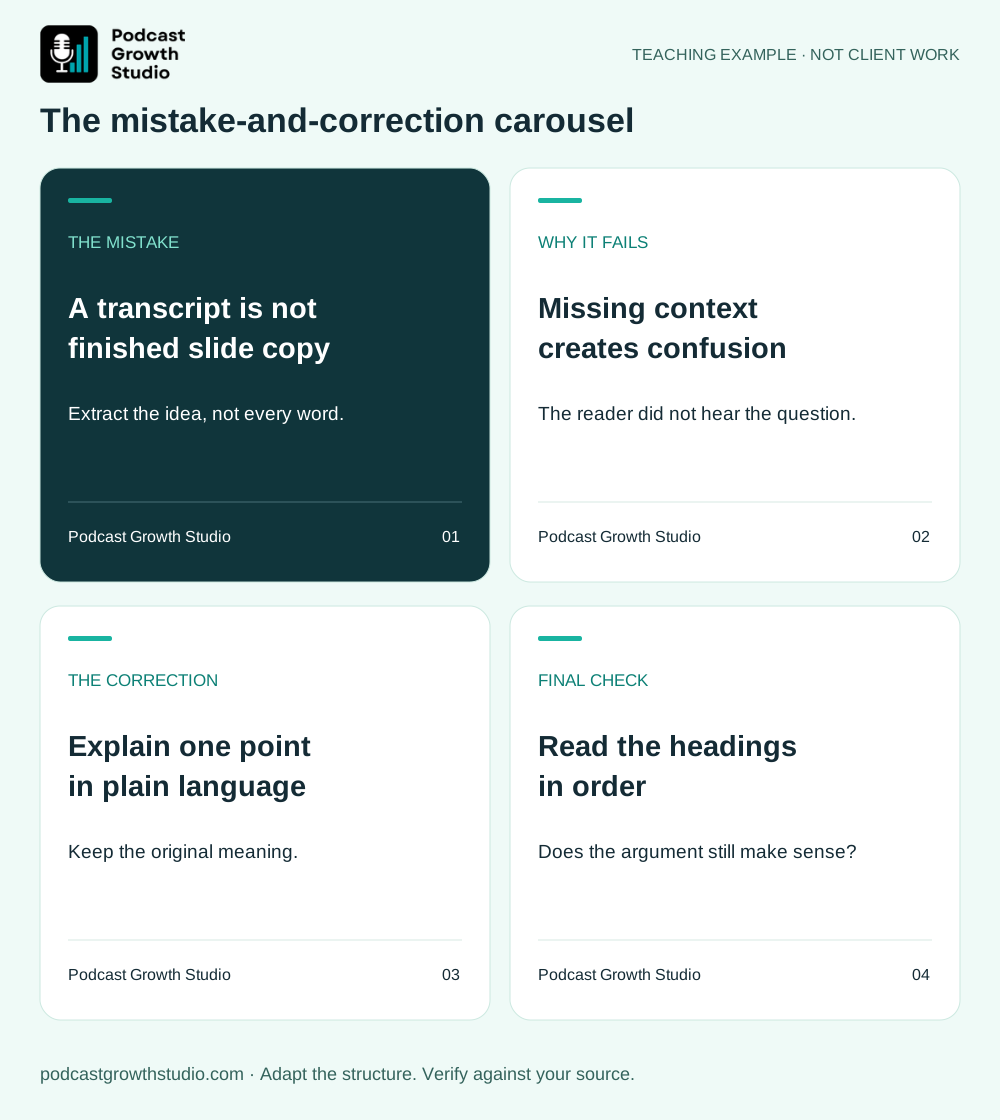
Use this when the episode identifies a failure and explains why it happens. Keep the criticism about the behavior, not the person. The correction needs enough detail to be usable.
- Cover: Name the specific mistake.
- Recognition: Describe what it looks like in practice.
- Cause: Explain why the mistake creates a problem.
- Correction: Give the replacement action.
- Example: Show a before-and-after decision or piece of copy.
- Check: Explain how to tell whether the correction was applied.
- Next step: Ask the reader to inspect one real piece of work.
Do not add a dramatic statistic to make the cover stronger. “This mistake costs you 80% of your leads” needs evidence. A precise statement about the actual mistake is more defensible than an invented consequence.
3. The decision carousel
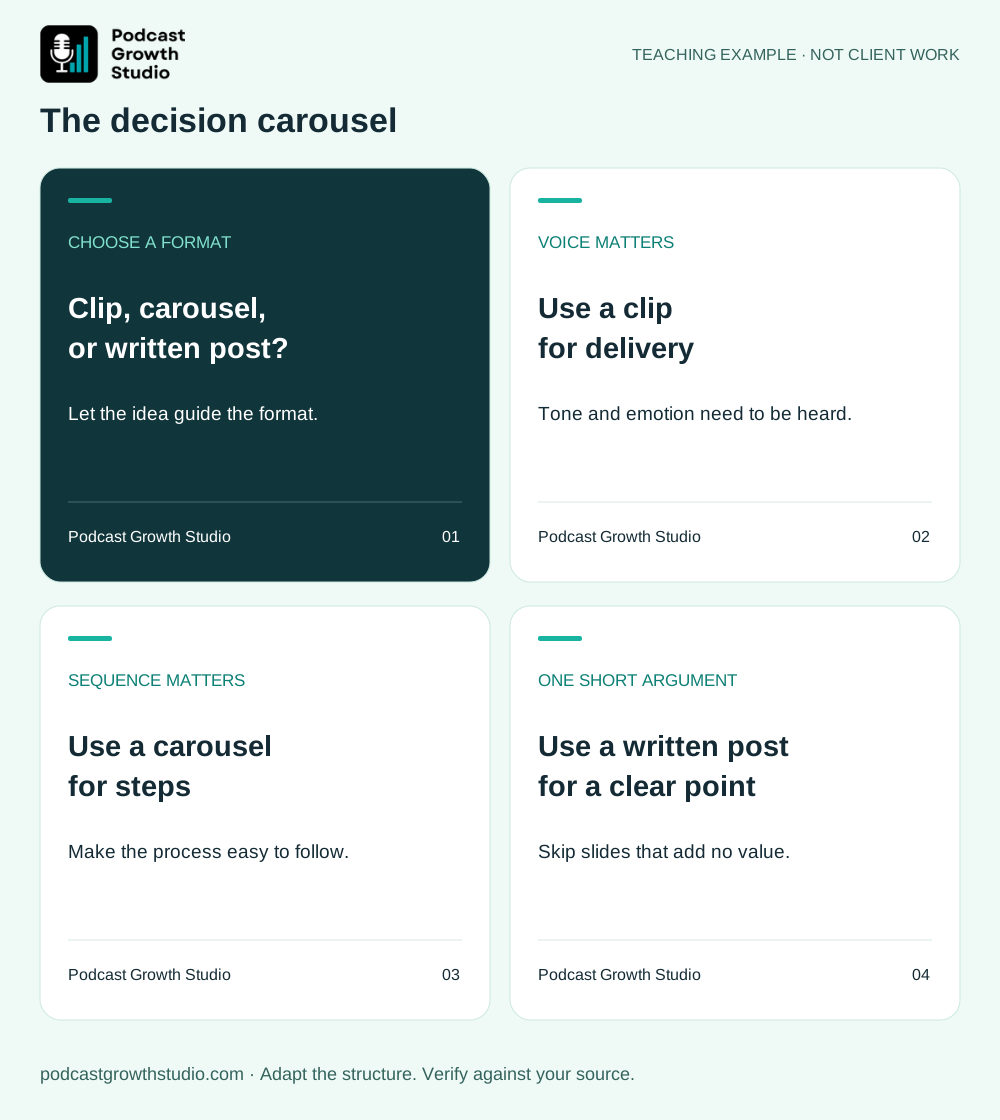
Use this when the episode weighs alternatives. The goal is to help a reader choose under stated conditions, not declare a universal winner.
- Cover: State the choice: “Clip, carousel, or written post?”
- Decision criteria: Name the factors that change the answer.
- Option A: Explain its fit and limitation.
- Option B: Explain its fit and limitation using the same criteria.
- Optional third choice: Include only if the source supports it.
- Decision rule: Summarize the conditions for choosing each option.
- Next step: Apply the rule to one passage from an episode.
For example, an emotional delivery may need the speaker's voice. A sequence of steps may work as a carousel. A short argument may need only a written post. These are editorial judgments, not a ranking of what an algorithm will reward.
4. The review checklist carousel
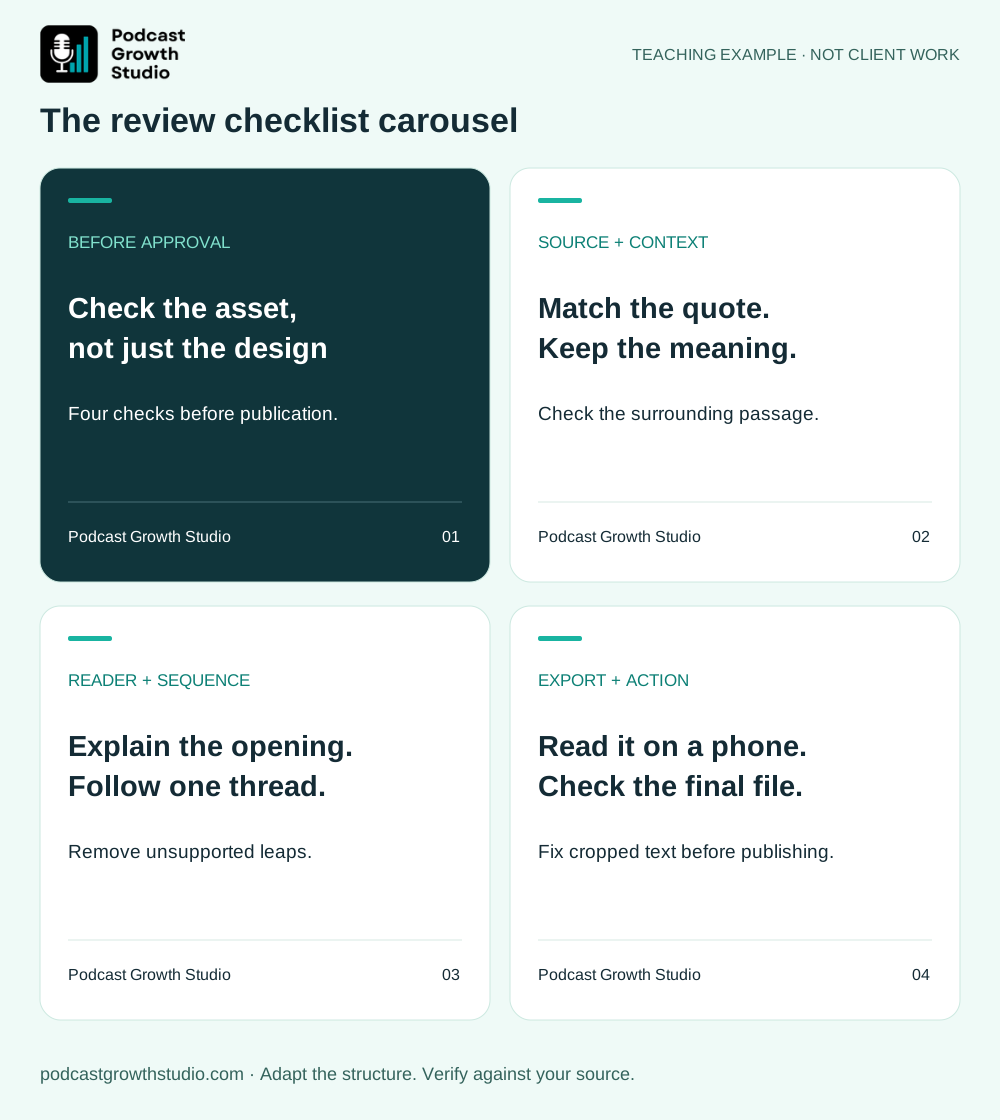
Use this when the source names checks before a decision or release. Every check should produce a clear action if it fails.
- Cover: Name the moment: “Before you approve a podcast clip.”
- Check one: Ask a concrete yes-or-no question.
- Check two: Inspect the next independent risk.
- Check three: Inspect accuracy or missing context.
- Check four: Inspect the audience's ability to understand the asset.
- Failure response: Explain what to fix or reject.
- Next step: Use the checklist on the next draft.
“Is it good?” is not a useful check. “Can someone understand the opening without hearing the interview question?” is. Our 3-Test Rule for podcast clips covers that selection problem in more detail.
Worked example: turn one passage into a carousel
The following passage is invented for teaching. It is not a client quote or a measured result.
Before you record, agree on who the episode is for, what question it answers, and what you want the listener to do next. Otherwise, the conversation can wander and the editor has to guess what matters.
This passage supports a short checklist. It does not support a claim about downloads, conversion rates, or revenue. A draft could read:
- Cover: 3 decisions to make before recording your next episode.
- Reader: Write down who this conversation is meant to help. Choose a specific role and situation.
- Question: Write the central question in one sentence. Use it to keep the conversation focused.
- Next action: Decide what the listener should do with the answer.
- Handoff: Give those decisions to the editor so selection has a clear purpose.
- Close: Add these 3 decisions to your next recording brief.
The slide copy paraphrases and expands the teaching example. It should not appear inside quotation marks. In real work, distinguish the guest's statements from your editorial additions, and have the relevant person approve attribution before publishing.
A copyable podcast-to-carousel prompt
Use the supplied podcast passage to draft one carousel.
Audience: [role and situation]
Question the carousel should answer: [one question]
Maximum slides: [your production limit]

First decide whether this passage supports a process, mistake-and-correction,
decision, or checklist structure. Explain the choice briefly.
If no structure fits, recommend a shorter format instead.

For each slide provide a heading, concise body copy, and the supporting
source passage. Mark editorial additions separately from source claims.
Keep direct quotes exact. Label paraphrases. Do not invent numbers,
results, speaker identities, timestamps, or missing steps.
Use fewer slides if needed. End with one relevant next action.
List anything that needs audio review, fact-checking, or approval.
The prompt produces a draft, not a finished design. Review the argument before opening a design tool. When you change a source claim during editing, check every slide that depends on it.
Review the copy, design, and final export
Give each slide one job. The cover sets the topic. The middle explains it. The final slide gives a relevant next step. Remove repeated introductions and slides that exist only to make the document longer.
- Source: Match quotations and names to the transcript, then check questionable wording against the audio.
- Claims: Retain qualifications. “In this situation” must not become “always.”
- Sequence: Read only the headings. They should form a coherent argument.
- Readability: View the exported pages on a phone at normal viewing size. Shorten crowded copy instead of shrinking it until it is hard to read.
- Accessibility: Use clear contrast and explain important meaning in text, not color alone. Include the central takeaway in the accompanying post.
- Brand: Use approved names, logo files, colors, and attribution. Do not invent a guest endorsement.
- Export: Inspect every final page for clipping, missing characters, incorrect order, and broken links before uploading.
These templates are independent of any platform's upload limits. Check the destination's current publishing interface before exporting. Keep an editable copy so you can correct the content without rebuilding the entire asset.
Measure useful responses, not a promised multiplier
Keep a simple record of the source episode, carousel topic, intended reader, publication date, and next action. Review the engagement data your account actually provides, together with relevant replies and inquiries. Do not label a viewer as a lead without evidence of interest.
If someone contacts you, ask which piece of content brought them over. Record the answer rather than assuming the most recent carousel caused the inquiry. A small number of posts is not enough to establish that one format consistently outperforms another.
Frequently asked questions
How many slides should a podcast carousel have?
Use the fewest slides that explain the idea clearly. The templates above use 6 or 7 as working structures, not platform rules or performance targets.
Can one episode produce several carousels?
Yes, when it contains several distinct, complete ideas. Do not split the same point into near-duplicate assets just to reach a quota.
Should every carousel promote the full episode?
No. Match the next step to the reader's task. Listening to the episode, applying a checklist, reading a related guide, or discussing a project are different actions. Choose one.
Can AI write the whole carousel?
AI can draft the structure and copy. A reviewer still needs to check source accuracy, attribution, completeness, readability, and the exported design.
Turn the approved idea into finished content
A carousel is one part of the episode's content plan. Connect it to a relevant clip, written post, or follow-up resource rather than repeating the same message in every format. Use our 30-day repurposing calendar to plan the sequence.
Want the production handled for you? See the PGS Content Engine or book a call to discuss your podcast and scope.